Your riding schedule
Enter your planned rides so the strength work can fit around them.
How Good Legs works
Set up your training week, follow each lift and record how it went. Here’s what you’ll do in the app, from choosing your gym days to checking your next target.
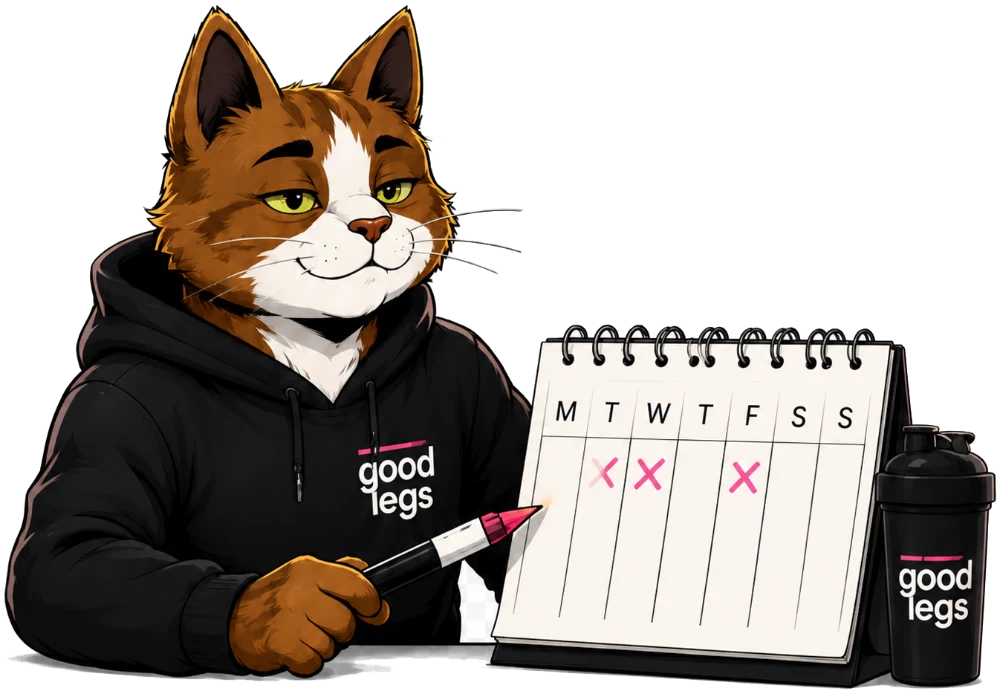
Add the rides you have planned, choose when you can get to the gym and tell us what equipment is available. Your experience and cycling goal complete the starting picture.
Enter your planned rides so the strength work can fit around them.
Choose the days, session length and equipment that work for you.
Record your lifting experience and cycling focus so the plan begins at an appropriate level.
Your completed work gives the next session a starting point. The weight you lifted, the reps you managed and how hard they felt help Good Legs decide when to progress your targets.
Your cycling goal and training phase matter too. The strength plan develops with the work you’re preparing for on the bike.
The sets, reps and weights you actually logged.
How hard those sets felt to you.
Your cycling goal and current phase.
Your session shows the weight and rep targets for each exercise, with a demonstration and rest guidance. You can check what you lifted last time and record each set as you finish.
Need to change an exercise? The app offers suitable alternatives for that session.
Session B pairs back squats with Romanian deadlifts to develop lower-body force for standing starts.
Example target: 82.5–87.5 kg · 4–5 reps · Finish with 2–3 reps left
Next exercise Romanian deadlift
Rate your sleep and fatigue before training. The app considers those answers with recent rides and lifting, then gives you the instruction for today.
If a change is needed, you’ll see the reason and the revised strength work together.
How did you sleep?
How tired do you feel today?
Follow the session or the specific adjustment shown.
Look back at the sets you completed and how hard they felt. Your check-ins are saved alongside them. You can follow your progress without trying to remember what happened three Fridays ago.

Cyclists who want to start strength training or give their gym sessions more structure. The plan starts from your experience and the riding you already do.
Each session shows you the exercises, with demonstrations, sets, weight targets and rest guidance. You can check what’s coming before you get to the gym.
Good Legs uses the rides you already have planned to build your strength training. Keep working with your cycling coach as usual; the gym sessions take that riding schedule into account.
That depends on your riding, gym availability and training needs. The example on this site has two sessions, on Monday and Friday. Your week may look different.
Tell Good Legs in your check-in. It considers your sleep and fatigue alongside recent training. You may be asked to start with a warm-up check, or the lifting may be adjusted.
No. Your training information and check-ins provide the starting point.
Your plan takes account of the equipment you have. Tell Good Legs what’s available when you set it up; there are suitable exercise alternatives if you need them later.
Leave your email on the iPhone beta waitlist. We’ll invite riders in small groups and send instructions when a place opens.
Email hello@getgoodlegs.com.
Join the iPhone beta waitlist and help us improve Good Legs through your own training.
Join the iPhone beta waitlistDepartment of Amateur Performance
Good Legs is an iPhone app that builds your strength, mobility and recovery around the cycling you already do.
Join the early-access listHow it worksThe facts
Public iPhone beta planned for 1 February 2027. Costs nothing to join the list.